PlumbobForge

Your CC, all in one place.

PlumbobForge is a mod manager for The Sims 3. It sorts your CC into sets, switches between setups in one click and even helps with fixing problems. Less time organizing, more time playing.

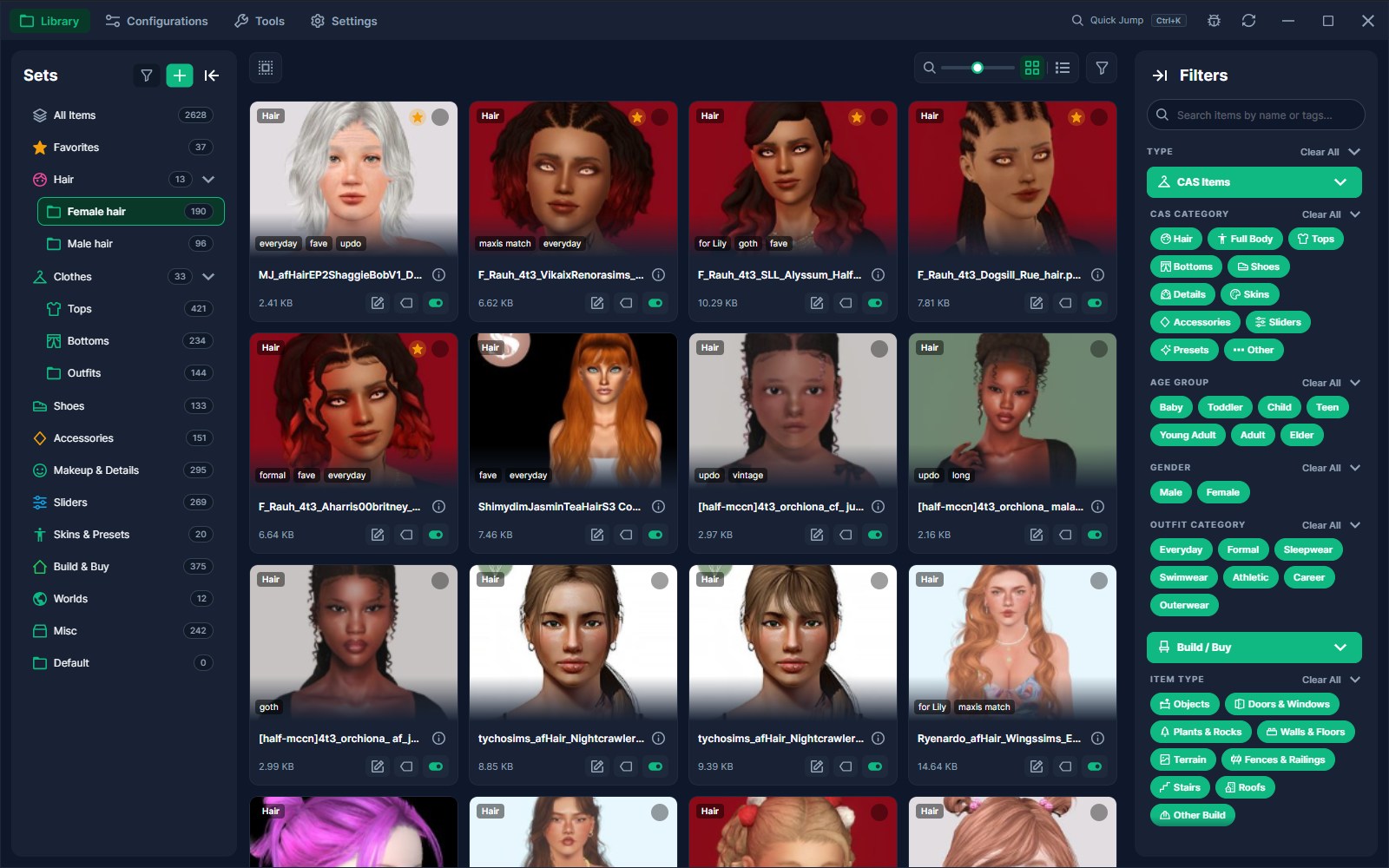
The PlumbobForge library: sets on the left, hair thumbnails in a grid, filters on the right.

Use it however you want

A dozen hairs or thousands of packages. You see what you want to see.

Try it yourself

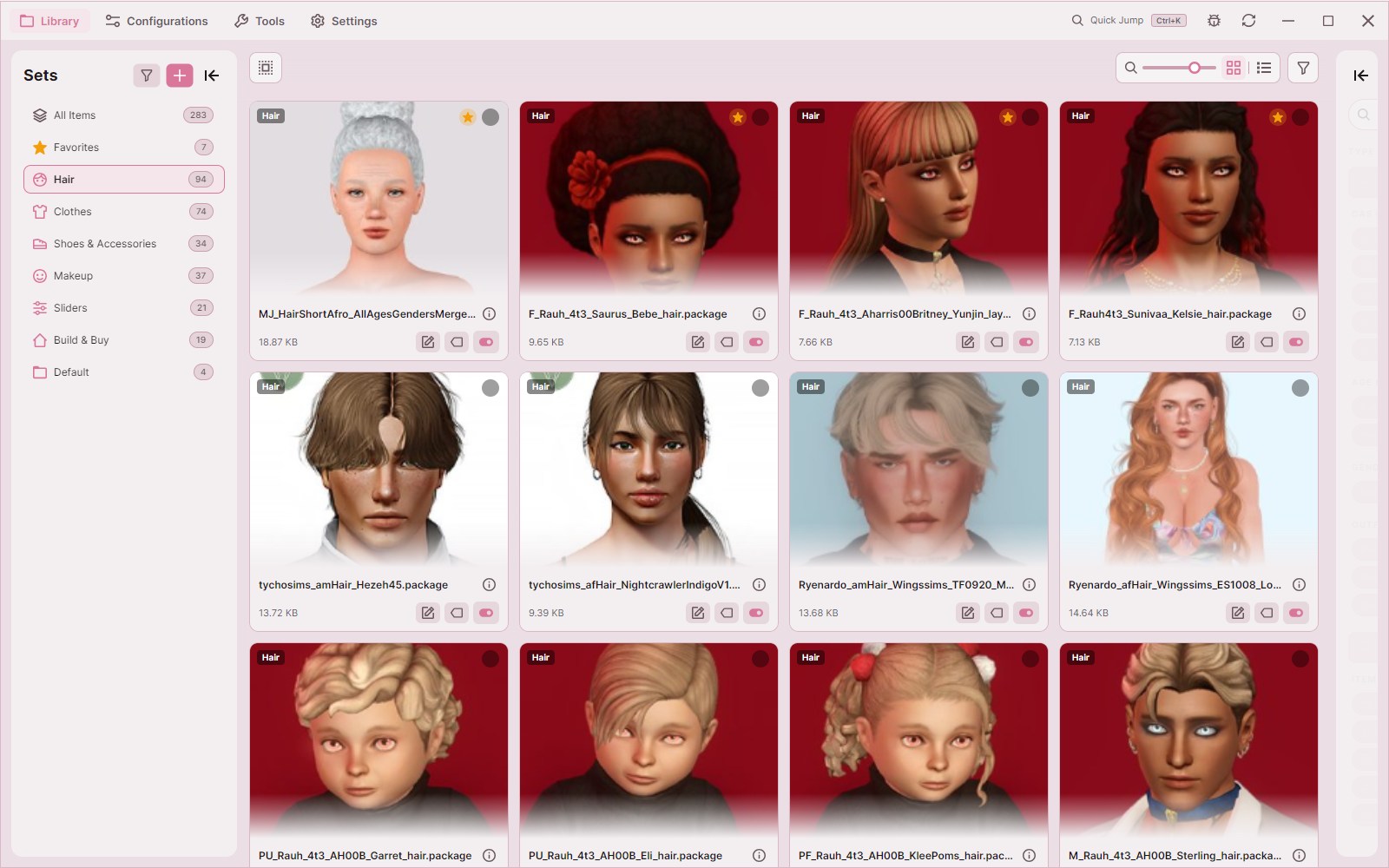
Just pick a look, make your own in the app.

One library, every setup

Configurations are like loadouts. Make a config and pick sets. A big one for your legacy save, a Build/Buy ones for your lots, a clean one for testing. Then switch between them with one click.

  • Turn whole sets on or off per configuration
  • Override single items when one set isn't quite right
  • Your files stay put, only what the game loads changes

Library or Vault, your choice

Keep the classic Library you remember or try the Vault: a unique way of storing CC you won't find anywhere else. Change your mind anytime in Settings.

Library · Dynamic Cache

Recommended

Like CC Magic, it keeps your files in a folder and builds a separate cache per set. Rebuilds are quick and configurations swap easily.

Disk space
Originals + cache
Changing configurations
Quick, per set
Status
Stable

Library · Static Bundle

Like S3MO, it merges all active sets into one bundle. Any change needs a full rebuild. Best if you keep many smaller sets.

Disk space
Originals + cache
Changing configurations
Full rebuild
Status
Stable

Vault Only in PlumbobForge

Experimental

Stores each item once in shards the game reads directly. No duplicate copies, about half the disk space, and no rebuilds.

Disk space
One copy (about half)
Changing configurations
A few seconds
Status
Experimental
Only in PlumbobForge

Look inside any package

Open a .package or .sims3pack and see every object it holds. Then change what you don't like, without having to open up S3PE.

  • Preview your CC in 3D, with its own textures
  • Turn single objects off and keep the rest of the package
  • Replace or export thumbnails
  • Change outfit categories and whether random Sims can wear it
Before39,488 triangles
The short hair at full detail.
After 50% lighter19,744 triangles
The same short hair with half the triangles.
Only in PlumbobForge

Lighter CC that looks the same

Heavy hair and clothes can slow the game down. The CC Optimizer takes out the triangles you'd never notice, and shows you the before and after in 3D before anything is saved.

  • Works on hair, clothes and Build/Buy objects
  • One slider to pick how light
  • Undo anytime, the original mesh is kept

Make your next CC shopping easy

Built-in tools for what you need. Use one all the time? Pin it as its own tab, or press Ctrl+K to jump straight to it.

Cache Cleaner

Purge the temporary cache files in your Sims 3 documents folder that pile up and slow the game down.

Conflict Scanner

Find duplicate packages, resource overrides and mods that don't get along, then turn off the one you don't want.

Pattern Fixer

Detect and fix the custom pattern issue that causes the "Materializing Materials" stall.

Collection Creator

Create and organise Build/Buy catalog collections straight from your PlumbobForge sets.

Coming from CC Magic or S3MO?

Bring everything with you. PlumbobForge imports it during setup, or anytime later from Settings.

CC Magic

Imports your packages, sets, configurations and Sims 3 collections from your CC Magic installation.

  • Packages
  • Sets
  • Configurations
  • Collections

Sims 3 Mod Organiser

Imports your S3MO folders as sets and your profiles as configurations.

  • Packages
  • Folders → sets
  • Profiles → configurations

Starting fresh? Skip the import, you can always run it later.

Questions

Is PlumbobForge truly free?

Yes. No ads, tracking, or paywalls. Just hit download.

What do I need to run it?

A Windows PC with The Sims 3 installed. MacOS and Linux are not currently supported.

Can I bring my setup from CC Magic or S3MO?

Yes. The setup wizard offers to import it, and the Migration Tool in Settings can do it any time later.

Should I use Library or Vault mode?

Not sure? Library with Dynamic Cache is a safe start. Vault saves about half the disk space and makes switching configurations near-instant, but it is still experimental.

Can I switch back from the Vault?

Yes, anytime in Settings. Leaving the Vault safely puts your files back in the Library.

Will the optimizer make my CC look worse?

At 50% most CC looks the same in game, and you see it in 3D before saving. Don't like the result? Undo puts the original mesh back exactly.

Which languages does it support?

English and Polish. Translation contributions will eventually be opened.

I found a bug. Where do I report it?

Report it in the app or open an issue on GitHub. I discourage sending me anon asks on Tumblr, they make it impossible to get back to you to ask for additional information.
Ready to tidy up?

Free, and it brings your CC Magic or S3MO setup along.

Download latest version Windows installer from GitHub